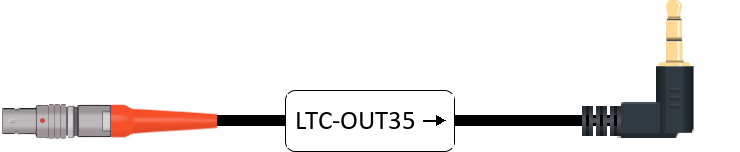
Timecode cable for Blackmagic Design Micro Studio Camera 4K via audio input

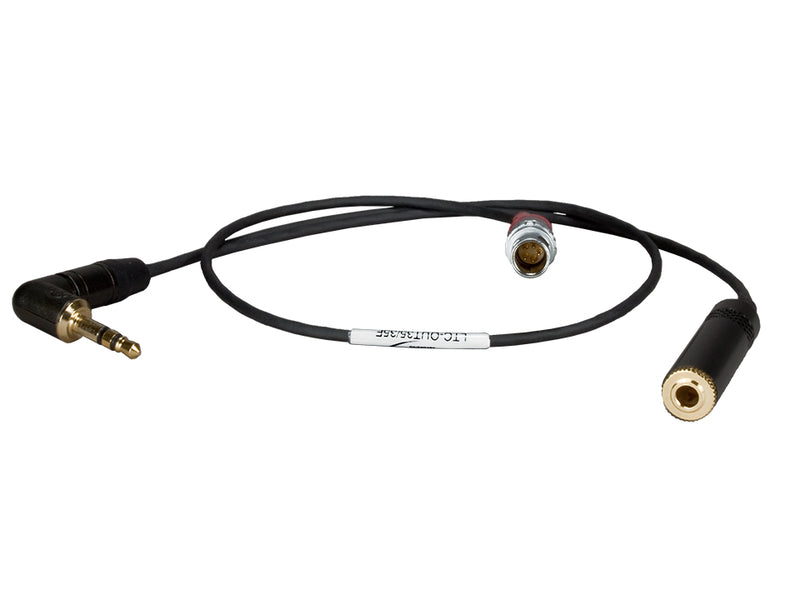
Matching Ambient cable for the Blackmagic Design Micro Studio Camera 4K: LTC-OUT35 (port on the camera: 3.5 mm jack (TRS)). For Genlock (Tri-Level Sync): SYNC-OUT (port on the camera: BNC).

Lockit box → camera

Timecode (LTC)
Genlock (Tri-Level Sync)
SYNC-OUT – Sync Cable PushPull-5-pin (Lemo-compatible) to BNC
Port on the Ambient Lockit box5-pin port (Lemo-compatible)
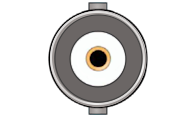
Port on the cameraBNC
Genlock (Tri-Level Sync)

SYNC-OUT

Sync Cable PushPull-5-pin (Lemo-compatible) to BNC

Only needed if you use Genlock. Requires a Lockit (ACN-CL), LockitBT (ACN-LB) or Lockit+.

View in shop
Note

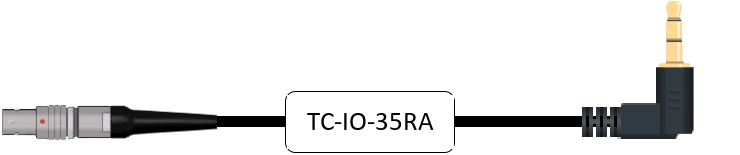
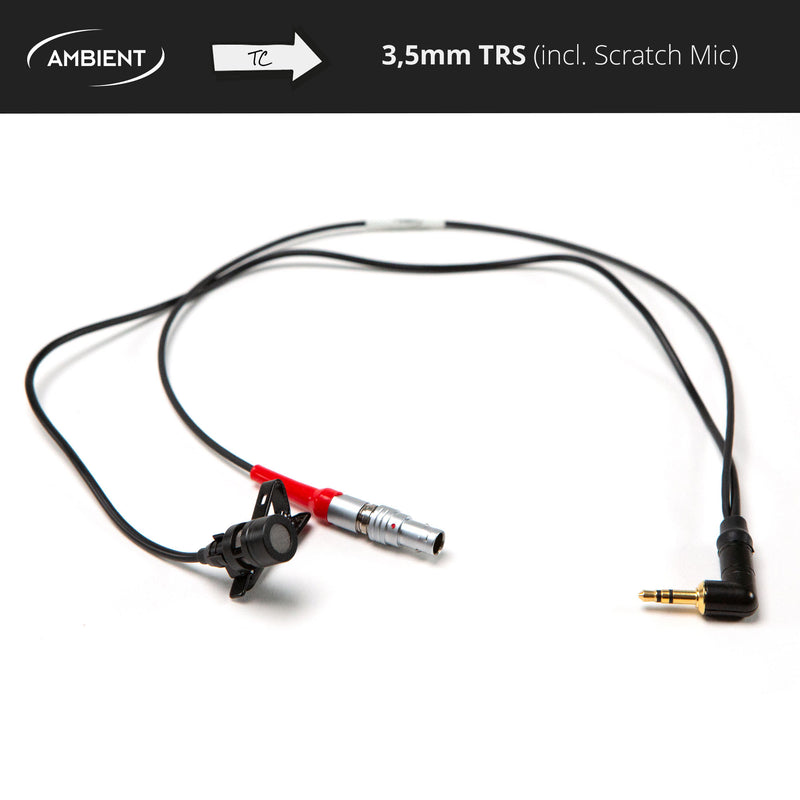
No dedicated timecode input: timecode is recorded as an audio signal via the 3.5 mm input. LTC-OUT35 lowers the level to mic level inside the cable. With TC-IO-35RA or TC-IO-35, set the output level of your timecode box to mic level so the input doesn't clip.

Genlock requires the Blackmagic expansion cable.

Which port on your Lockit box?

CableLockitLockitBTLockit+NanoLockit
LTC-OUT35ACN port
Red sleeve
TC/DATA port
Red sleeve
ACN port, front left (blue marking)
Red sleeve
5-pin port on top
Red sleeve
SYNC-OUTSYNC port
Yellow sleeve
TC/SYNC port
Yellow sleeve
SYNC port, front right (yellow marking)
Yellow sleeve
–

Find another device